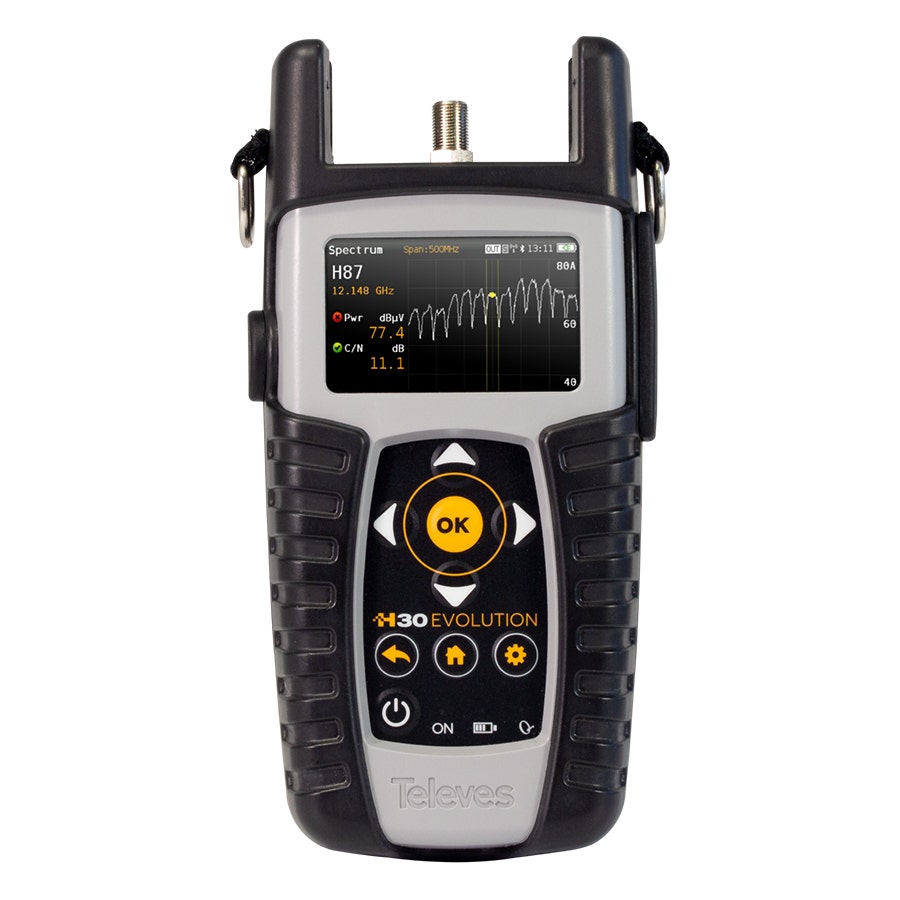
TV Signal Meters
FAQs
A TV signal meter is a handheld device used to measure, analyse, and align broadcast signals during the installation or maintenance of satellite and terrestrial TV systems. Installers rely on these meters to:
- Accurately align satellite dishes and terrestrial aerials
- Check signal strength, quality, MER, BER, and noise levels
- Detect faults such as weak signals, cable losses, or misaligned equipment
- Verify that the installation meets broadcaster and service provider standards
TV signal meters ensure a stable, high quality picture and reduce return visits caused by poor alignment.
Key features to consider include:
- Satellite TV Meters
Built in satellite database for quick dish alignment
Spectrum analysis for interference and signal noise
DiSEqC and multiswitch compatibility
Real time signal strength/quality display
Audio tone alignment for quick setup
- Terrestrial TV Meters
DVB-T/T2 compatibility
MER/BER measurement for digital signal quality
Channel/frequency scanning
LTE filter support to manage mobile interference
Fast lock on for field efficiency
- General features to look for:
Colour screen with clear outdoor visibility
Rechargeable battery for full day use
Rugged protective casing
USB/SD export for installation reports
Choosing the right feature set ensures reliable installation across both satellite and terrestrial systems.
Your choice depends on the type of systems you install:
- If you install satellite TV: Choose a meter with strong satellite-specific features such as a sat finder mode, DiSEqC control, and satellite ID recognition.
- If your work focuses on terrestrial TV: Select a meter with digital signal analysis tools (MER/BER), channel scanning, and support for DVB-T/T2.
- For mixed installations: A combined satellite + terrestrial TV meter offers versatility and avoids carrying two devices.
- For high volume or professional work: Consider models with spectrum analysis, data logging, and more advanced diagnostics.
Selecting appropriately helps speed up installations, reduce faults, and ensure clean, stable reception.
To get the most accurate results and trouble-free TV installations:
- Always begin by checking cables, connectors, and LNB/aerial condition before aligning.
- Use the meter’s real time spectrum or quality indicators to make fine adjustments.
- Save or note the final signal readings for documentation or future service calls.
- Avoid aligning dishes based solely on visual estimates, use the meter for precision.
- Be aware of potential interference sources such as LTE/5G, power lines, or large reflective surfaces.
- Ensure firmware/satellite databases are up to date.
- Protect the meter from moisture and impacts when working outdoors.
Following these practices improves accuracy and ensures high quality reception for customers.