AV Extenders & Baluns
FAQs
AV extenders and baluns are devices that allow audio, video and data signals to be transmitted over longer distances than standard cables allow. Instead of relying on long HDMI, USB or audio lead, which can cause signal loss, extenders use Cat5e/Cat6/Cat7 cable, fibre, or dedicated transmitter/receiver pairs to maintain signal quality. Common types include:
- Audio extenders & baluns send stereo or balanced audio signals over structured cabling.
- HDMI extenders & repeaters extend HD and 4K video to remote displays without degradation.
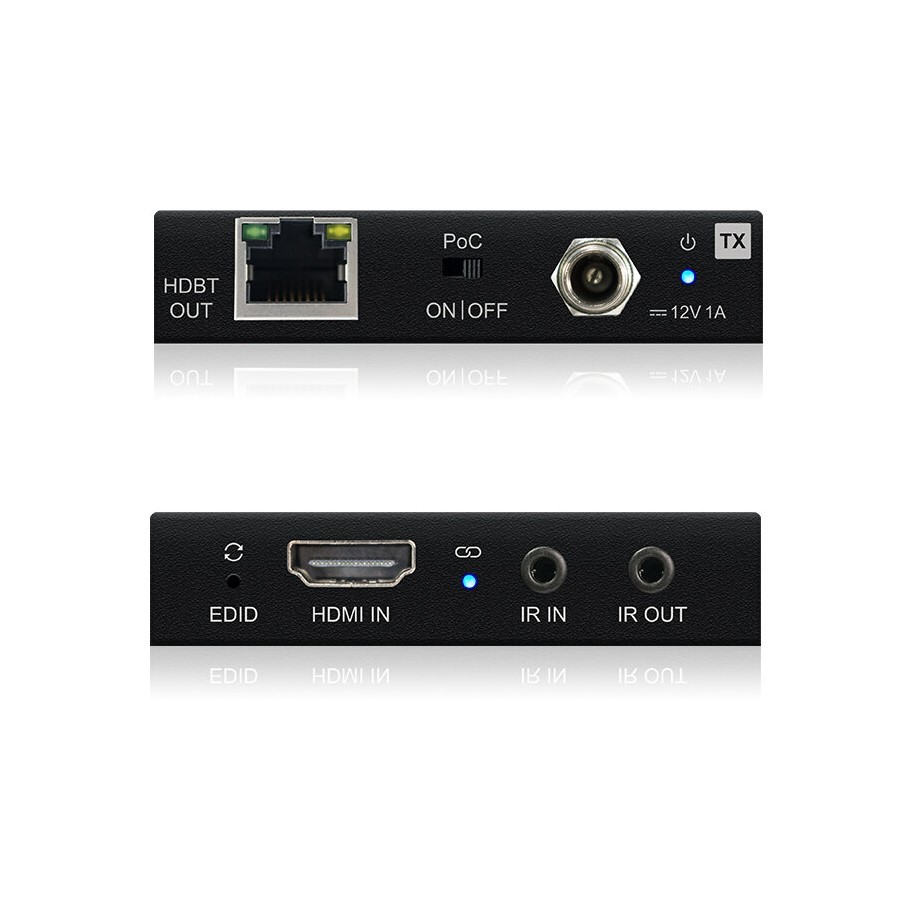
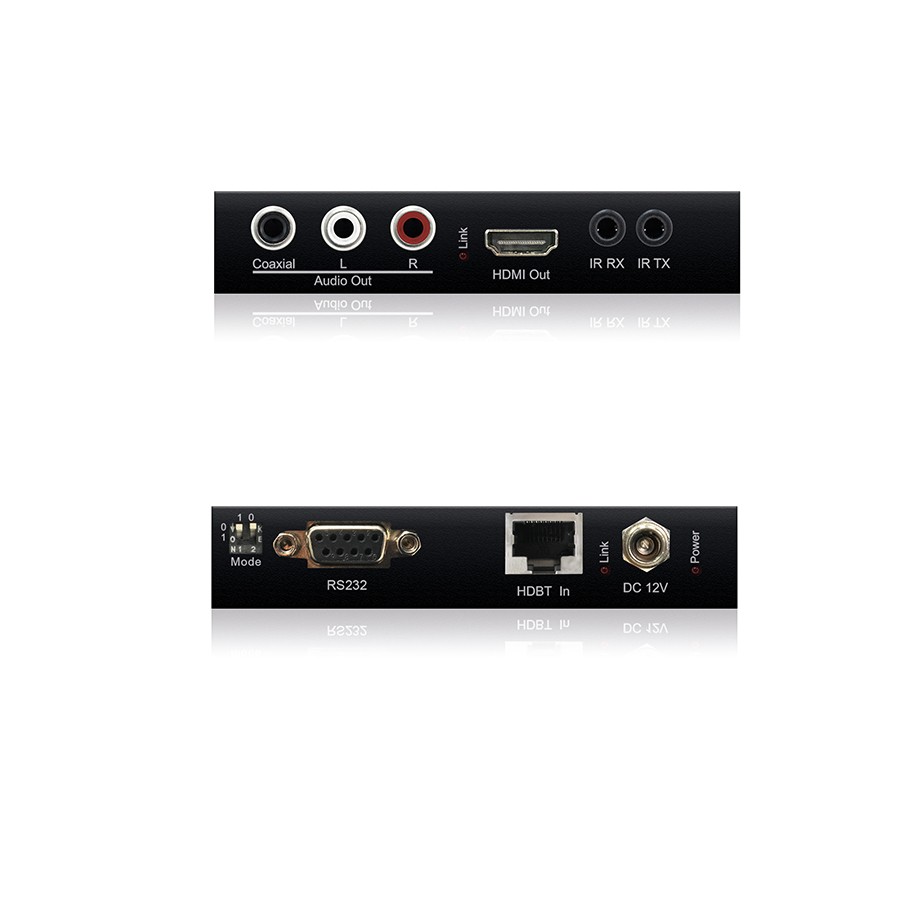
- HDBaseT extenders extend high resolution video, audio, Ethernet, control, and power over a single network cable.
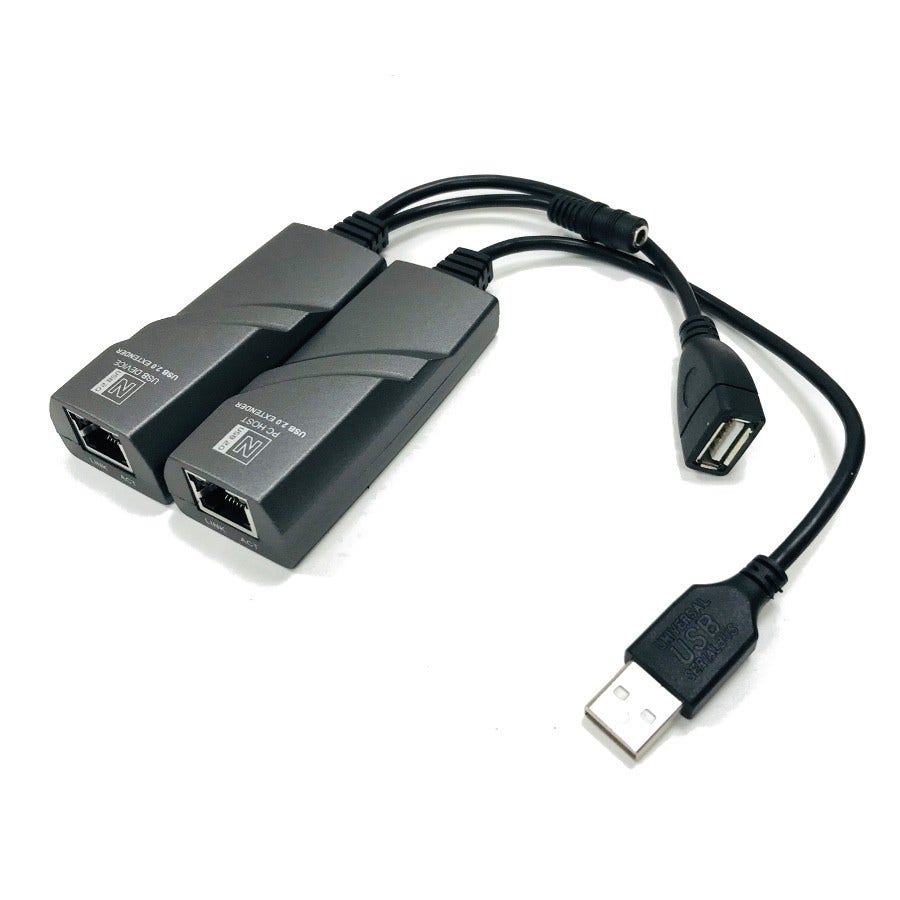
- USB extenders & baluns extend keyboard/mouse control, webcams and interactive displays well beyond typical USB cable limits.
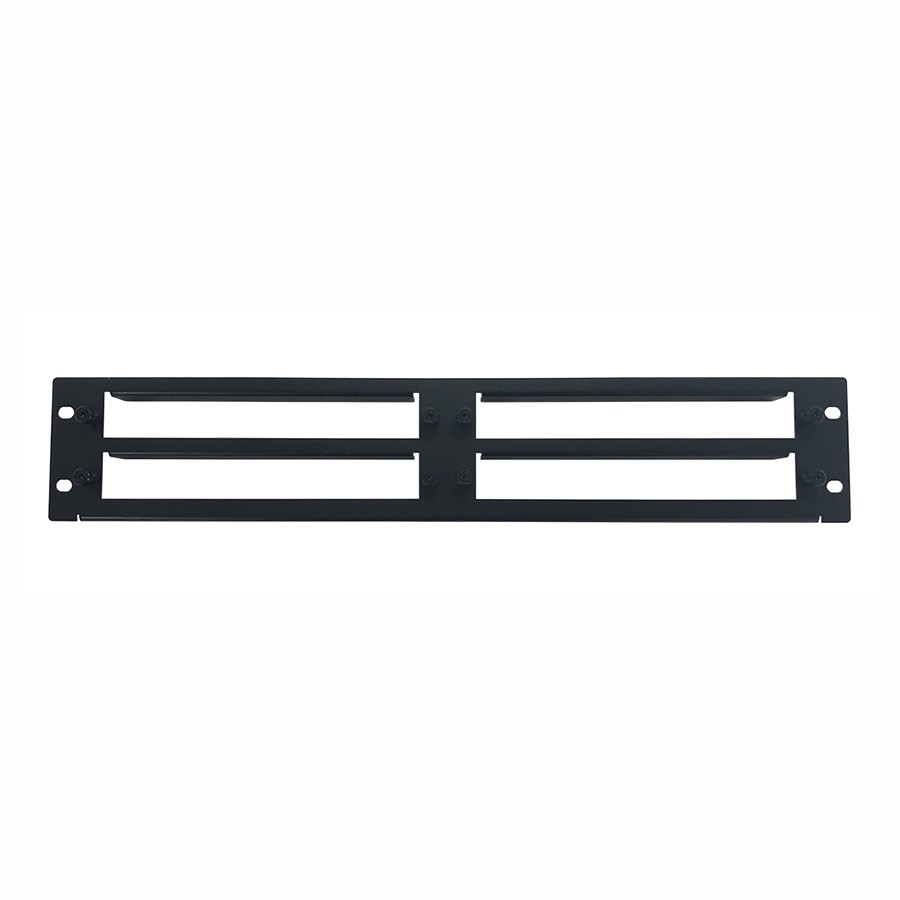
- Extender wall plates allow tidy, in wall transmitter/receiver installation for meeting rooms or home cinema setups.
They ensure reliable, high quality signal delivery across rooms, floors or large venues.
When selecting an extender system, consider:
- Signal type, HDMI, DisplayPort, USB, audio, or a combination.
- Distance required, some HDMI extenders support 20-50m, while HDBaseT can reach up to 100m or more.
- Resolution & bandwidth, ensure the extender supports the video format (HD, Full HD, 4K, HDR).
- Cable type available, Cat5e/Cat6 is common; fibre extenders suit very long or interference heavy environments.
- Additional Features
IR control pass-through
USB return channels
Ethernet passthrough
Power over cable (PoC)
- Installation style, wall plate solutions offer a clean finish; plug-in boxes are more flexible for equipment racks.
Choosing the correct extender ensures your signals maintain clarity, synchronisation and reliability across long distances.
These devices are used anywhere signals need to travel further than standard AV cables allow:
- Meeting rooms & boardrooms, connecting laptops to remote displays or projectors.
- Classrooms & training rooms, sending HDMI, USB or audio to teaching screens.
- Home cinema installations, linking AV receivers, media players and TVs across rooms.
- Digital signage, distributing video to multiple screens across venues or large buildings.
- Corporate & commercial AV, long distance video distribution within offices or event spaces.
- Security & monitoring systems, extending video feeds to remote control points.
They make long distance, high quality AV infrastructure possible without bulky specialist cabling.
To ensure optimal performance:
- Use high quality Cat6 or Cat7 cable for longer HDMI or HDBaseT runs.
- Avoid mixing extenders from different manufacturers unless fully compatible.
- Keep cable runs away from power lines to reduce interference.
- Test sender and receiver units before in-wall installation.
- Ensure the HDMI or USB source is capable of supporting the extended distance.
- Use repeaters only when necessary, too many stages can introduce latency or noise.
- For USB extenders, confirm support for device type (USB 1.1, 2.0, 3.0).
Correct installation ensures stable signals, minimal latency, and long term reliability.