AV Assembled Faceplates
FAQs
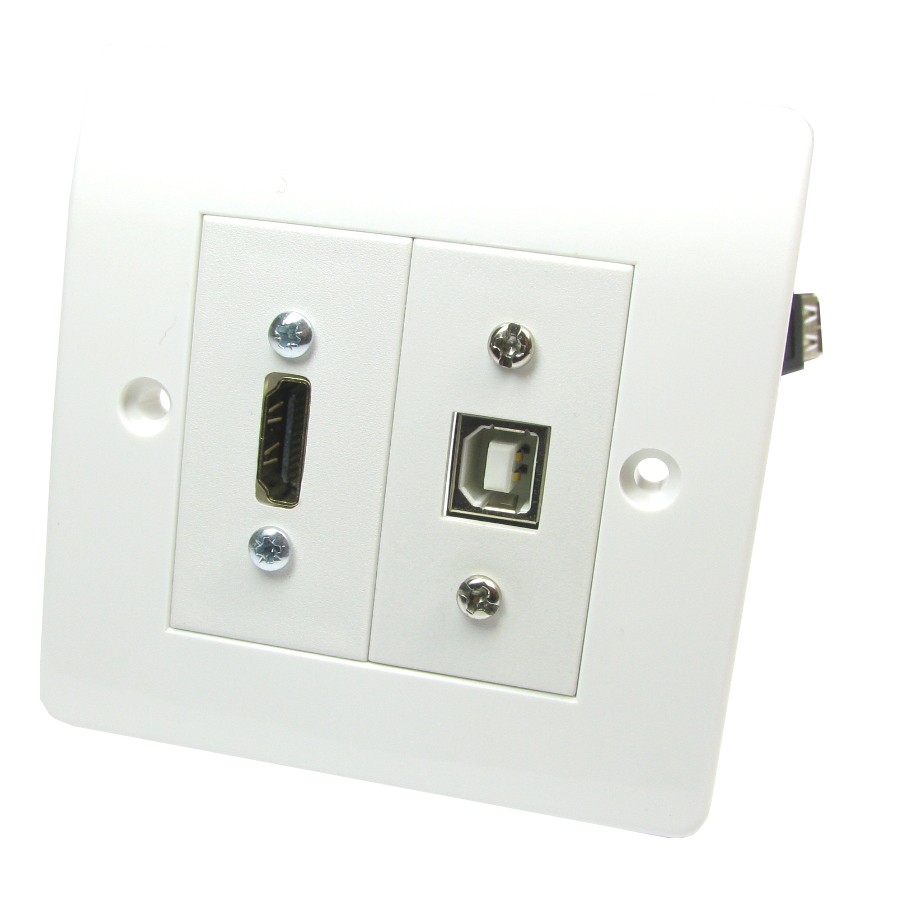
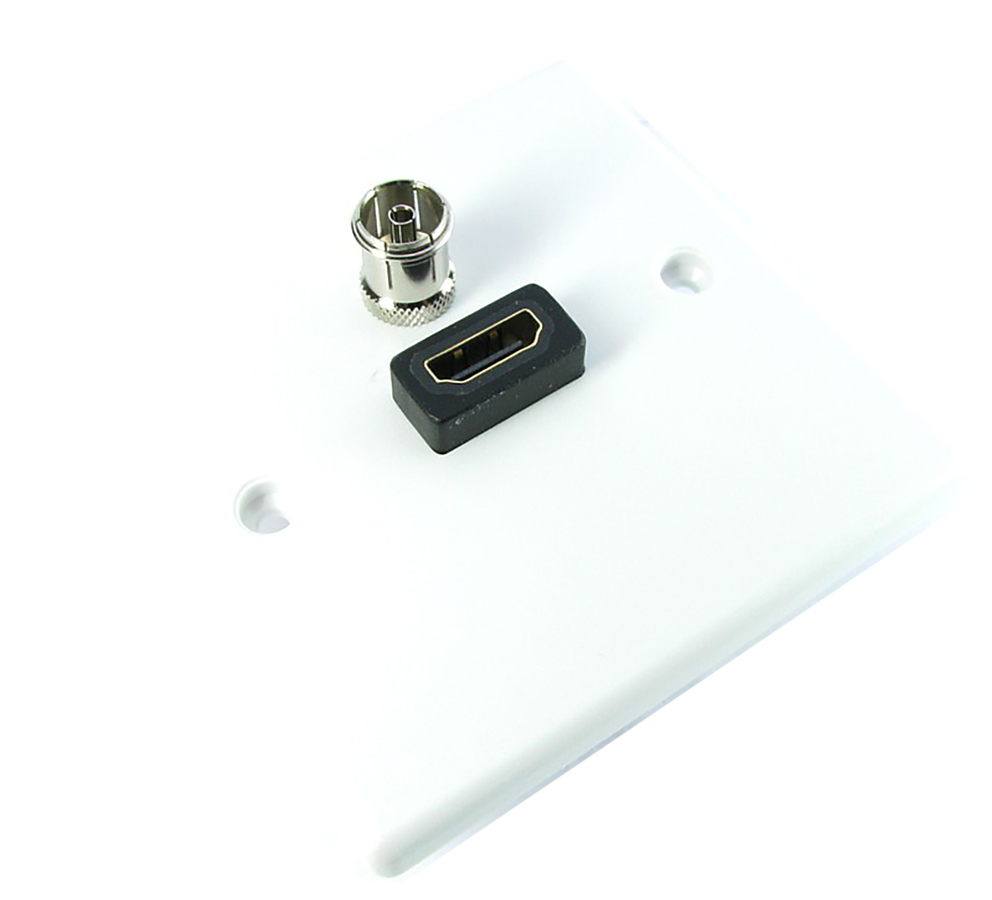
Netceed offers a wide range of pre-assembled AV faceplates designed to provide tidy, professional-grade connectivity in homes, offices, classrooms, meeting rooms and AV installation projects. Popular options include:
- HDMI faceplates for delivering high definition video/audio from sources such as PCs, media players, games consoles or set top boxes.
- Projector faceplates, typically combining HDMI, VGA, audio and control ports for ceiling mounted or wall mounted projectors.
- Brush tidy/Euro faceplates allow cable pass-through while maintaining a neat finish, ideal for TVs mounted on walls.
- Multimedia faceplates combine multiple ports (HDMI, USB, audio, data, coax, speakers) into one plate for flexible installations.
- Satellite & TV aerial faceplates provide coax or F-type connections for TV, DAB/FM, Freeview or satellite signals.
- Surround sound speaker faceplates provide binding posts or terminal connections for discreet home cinema speaker wiring.
These faceplates provide a clean, structured installation, removing cable clutter and improving the aesthetic of any AV setup.
When selecting an AV faceplate, consider:
- Type of signal you need to pass (HDMI, coaxial, speaker, USB, audio, VGA, etc.).
- Number of ports e.g. single vs dual HDMI, combined multimedia faceplates.
- Installation location like wall mount, behind a TV, under a desk, or at a presentation point.
- Cable length & compatibility, ensure the faceplate supports the required cable type behind the wall (especially for longer HDMI runs).
- Euro-module vs fully assembled plates, euro-modules allow mixing and matching, while assembled plates offer simplicity and speed.
- Aesthetic requirements such as colour, finish, and fit to existing electrical back boxes.
Selecting the right faceplate ensures the correct signal type is supported and the installation looks clean and professional.
These faceplates are used in a wide range of environments:
- Home entertainment setups, like wall-mounted TVs, sound systems, home cinema speaker wiring.
- Boardrooms and meeting rooms, convenient connection points for laptops, projectors and display screens.
- Classrooms and training suites, providing HDMI, VGA or audio ports for teaching equipment.
- Hospitality and commercial venues, AV access points for digital signage, shared displays or background audio.
- Offices and workspaces, tidy cable routing for presentations, wall displays and collaboration spaces.
Whether for simple TV wiring or complex multi-port AV installations, assembled faceplates help maintain a neat and reliable system.
For the best performance and finish:
- Use high quality cables inside the wall to avoid signal degradation, especially for HDMI runs longer than 5-10 metres.
- Ensure the back box has enough depth to accommodate connectors and bending radius of cables.
- Avoid sharp bends, kinks or pressure on AV cables, especially HDMI and coax.
- Test all signals before final mounting to confirm audio/video performance.
- Use brush tidy plates where direct cable pass-through is needed for flexibility.
- For speaker faceplates, ensure correct polarity to avoid phase issues in surround-sound systems.
- Label faceplates where multiple ports are present to help with future troubleshooting.
Proper installation ensures reliable signal quality, reduced clutter, and a long lasting AV setup.