Uninterruptible Power Supplies (UPS)
FAQs
Netceed supplies a wide range of UPS solutions to support everything from home offices to mission critical network and server environments:
- Desktop/tower UPS are compact units ideal for workstations, routers, and small office equipment where basic backup and surge protection is required.
- Rackmount UPS are designed for 19″ server and data cabinets, providing clean power and extended runtime for switches, servers, and storage systems.
- Tower/rack versatile UPS are hybrid designs that can be installed horizontally in a rack or vertically as a tower, offering maximum flexibility for changing environments.
- Online/line interactive models have technologies that offer improved voltage regulation, noise filtering, and seamless power conditioning for sensitive electronics.
These UPS systems protect equipment from outages, voltage dips, spikes, and electrical noise, ensuring continuous, stable operation.
When selecting a UPS, consider:
- Total Power Load (VA/Watt Rating): Add the power draw of all connected devices and choose a UPS that provides at least 20-30% extra capacity to allow for inrush currents and future expansion.
- Required Battery Runtime: Short runtimes (3-10 minutes) are enough for safe shutdowns, while critical loads may require longer runtime or external battery modules.
- Power Protection Requirements: Sensitive IT equipment often benefits from online or double conversion UPS systems for the cleanest, most stable output.
- Mounting Location: Choose a rackmount UPS for cabinets and IT suites, or a desktop/tower UPS for individual workspaces or standalone devices.
- Redundancy & Serviceability: For high uptime environments, consider units that support maintenance bypass switches or modular batteries.
A well sized UPS ensures consistent uptime and protects valuable hardware from power disturbances.
To create a complete and resilient power protection setup, consider adding:
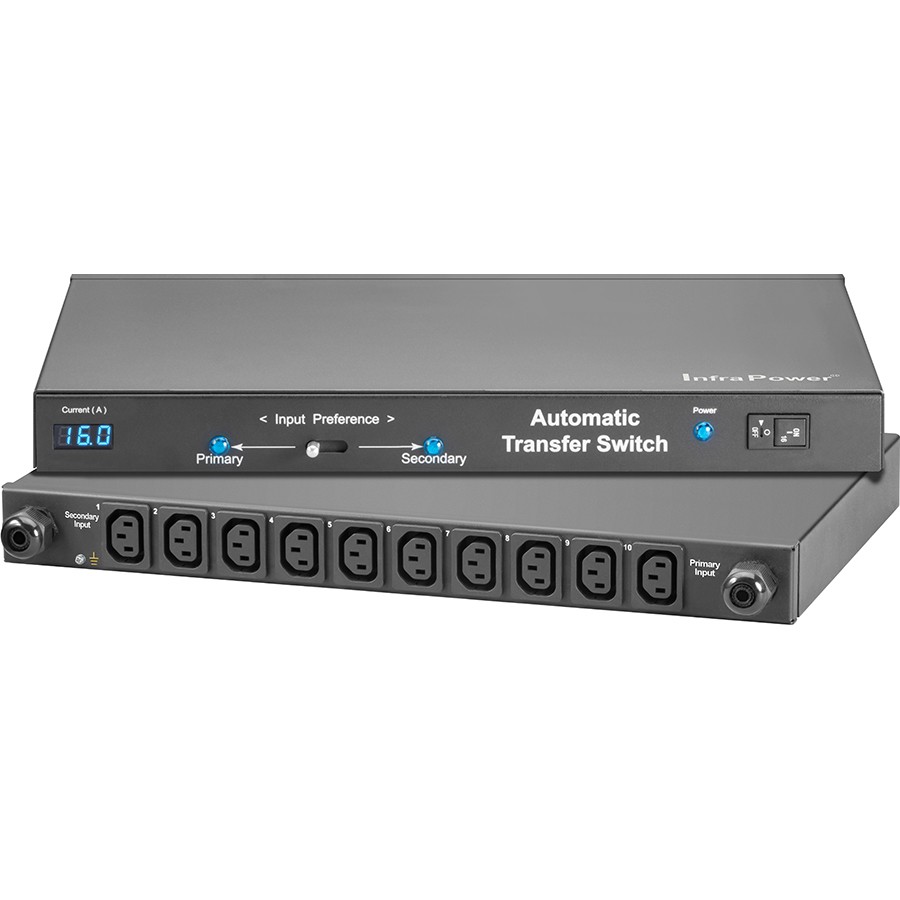
- Automatic transfer switches (ATS) provides two power sources to connected equipment, automatically switching to the backup feed if the primary supply fails.
- Maintenance bypass units allow a UPS to be isolated and serviced or replaced without interrupting power to critical equipment.
- UPS replacement batteries & battery packs extend runtime and allow long term upkeep, since UPS batteries naturally degrade over time.
- UPS network management cards enable remote monitoring, automated alerts, safe shutdown procedures, and detailed power usage reporting.
- UPS cables & accessories, includes IEC leads, mounting rails, communication cables, and cable management components to support clean installation.
These accessories improve reliability, simplify maintenance, and give greater visibility and control over power systems.
To ensure safe, long lasting performance:
- Size the UPS correctly for the equipment load and allow headroom for expansion.
- Install in a cool, well ventilated area to prevent heat buildup, especially for rackmount units and high capacity models.
- Test the UPS periodically by simulating a power failure to confirm the system switches correctly to battery.
- Monitor battery health and plan for replacement every few years, depending on usage and environment.
- Use a maintenance bypass if available when replacing batteries to avoid downtime.
- Protect only critical devices to maximise battery runtime and avoid unnecessary drain.
- Enable network monitoring (where supported) to receive alerts and automate safe shutdowns.
These steps ensure reliable protection and minimise the risk of unexpected downtime.