AV Switches & Splitters
FAQs
AV switches and splitters perform different roles in signal distribution:
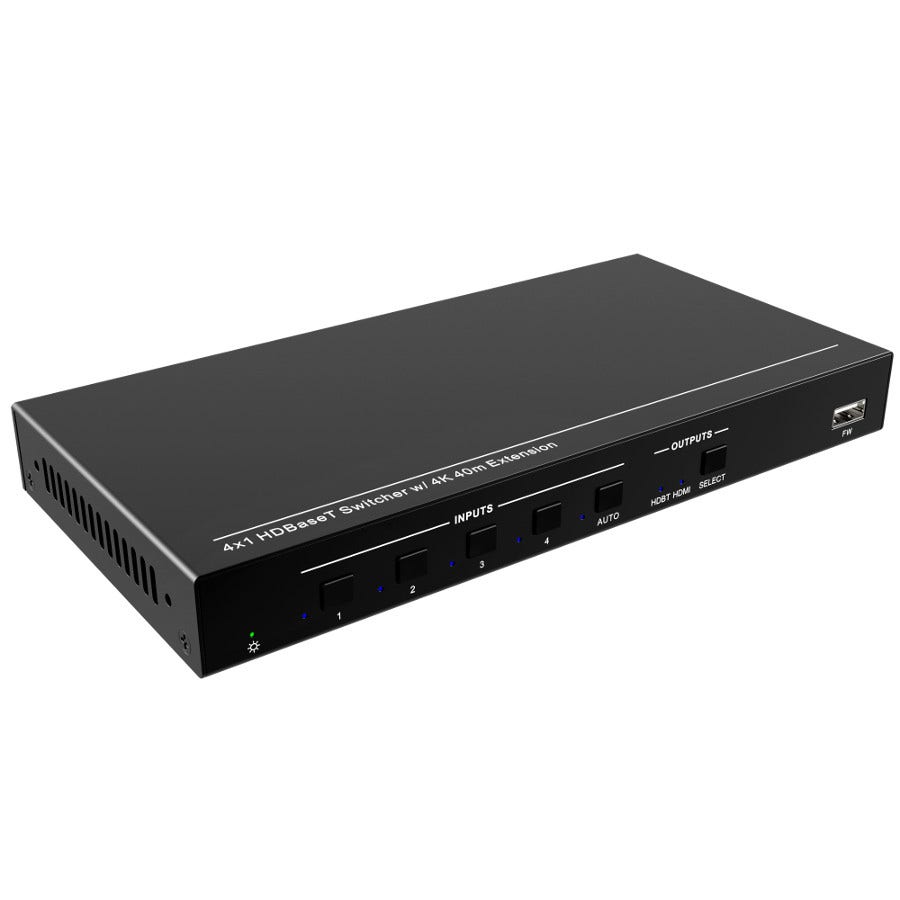
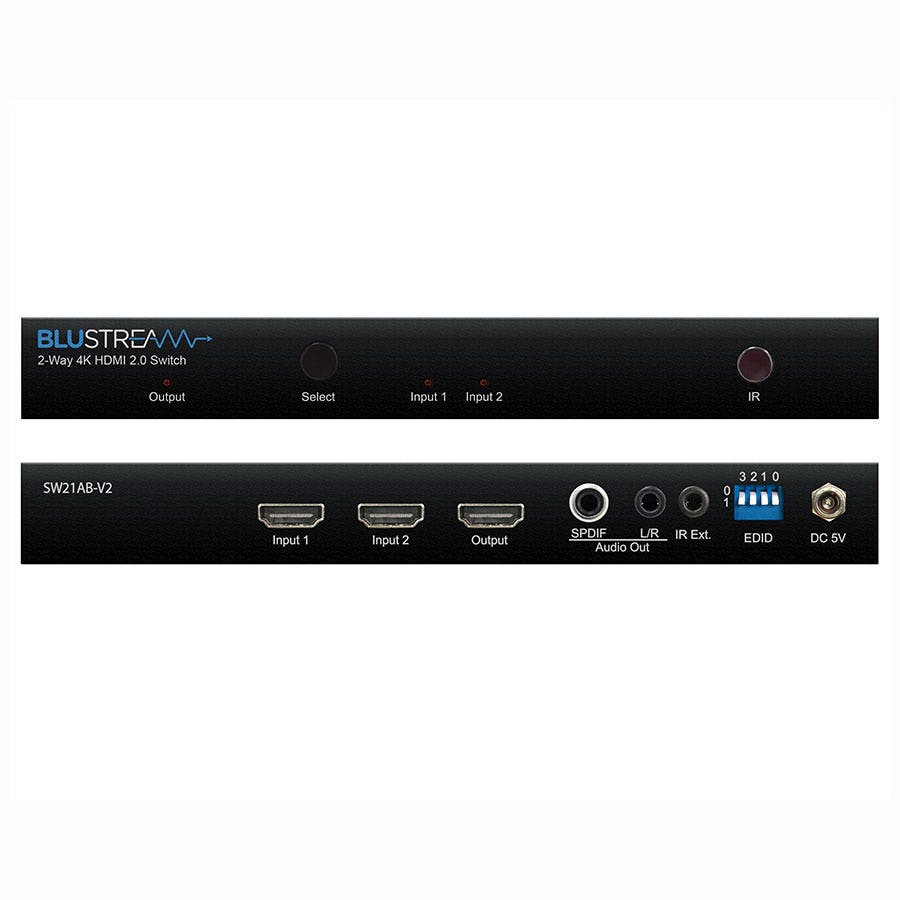
- AV Switch (Input Switcher)
Allows multiple sources (e.g., laptops, media players, PCs) to connect to one display, letting you switch between them. Ideal for meeting rooms or home cinema setups.
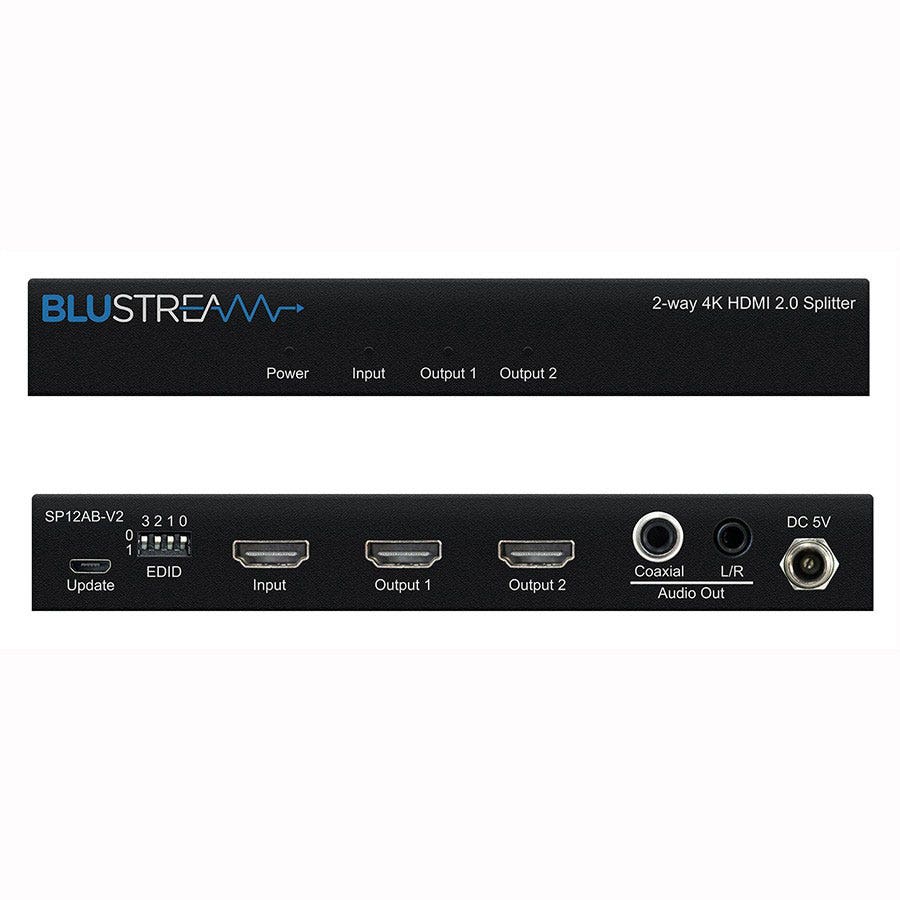
- AV Splitter (Distribution Amplifier)
Takes one source (e.g., HDMI player) and sends the same signal to multiple displays. Perfect for digital signage, classrooms, or multi-screen environments.
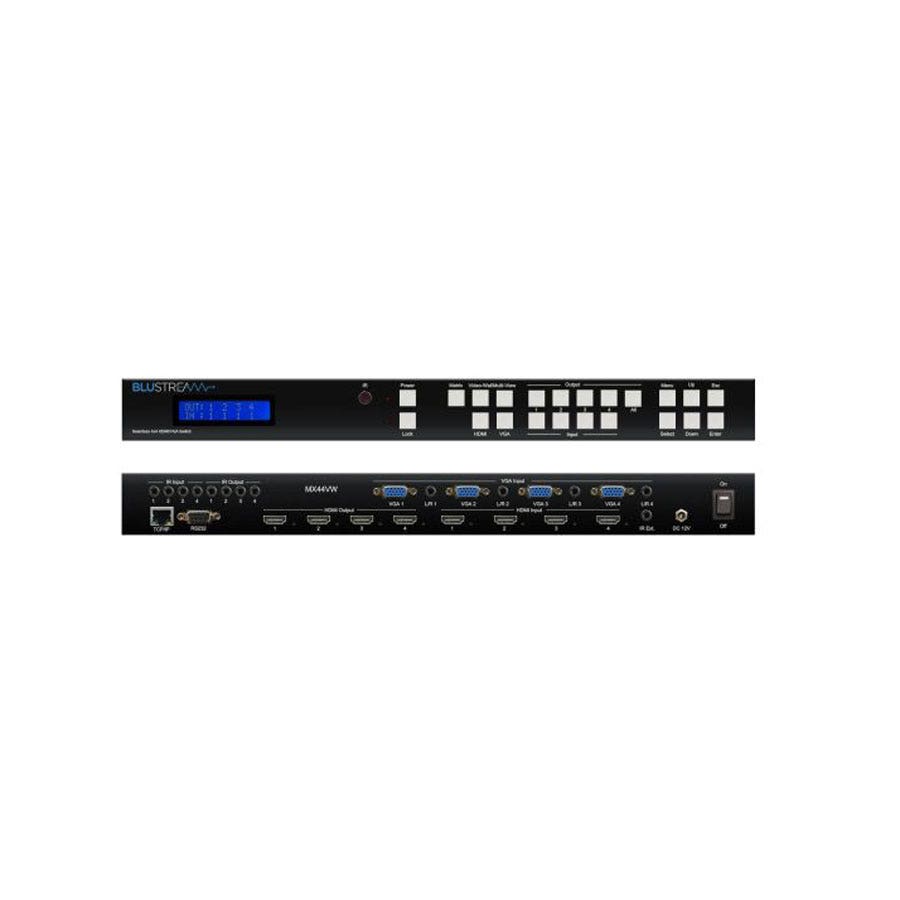
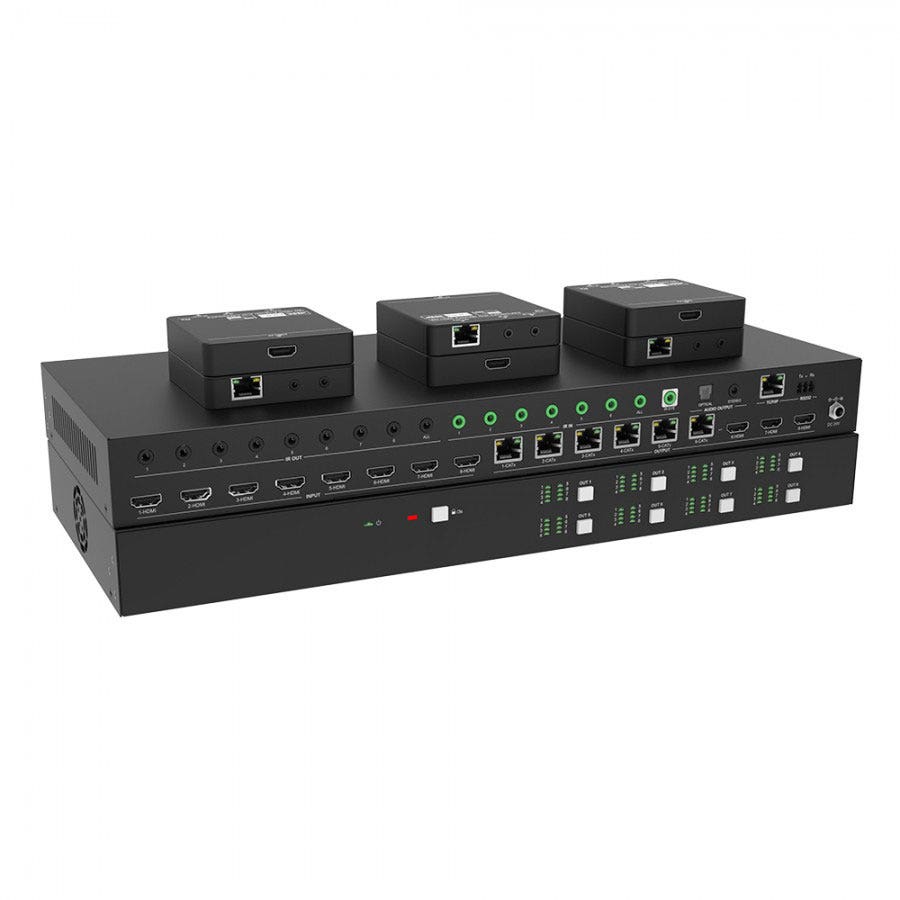
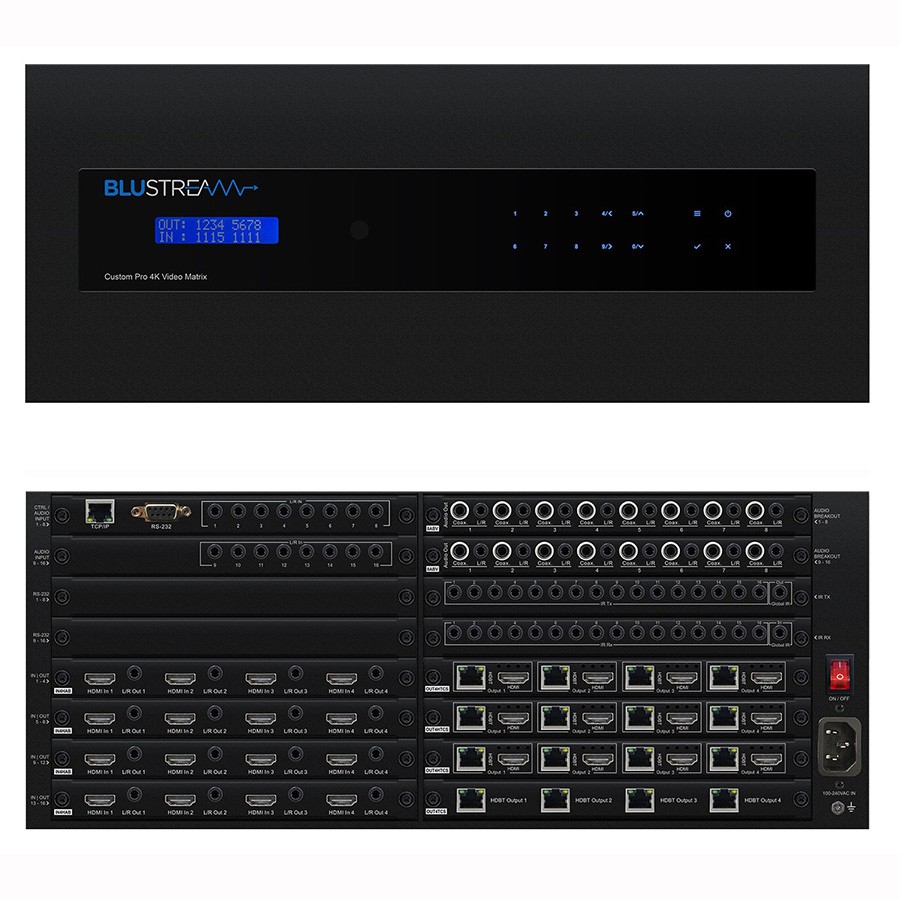
- Matrix Switch (e.g., HDBaseT Matrix)
Combines both functions, allows multiple sources to be routed to multiple displays independently. Ideal for complex AV installations, control rooms, conferences, or whole building AV networks.
Choosing the right device depends on how many sources and displays you need to connect and control.
Consider the following:
- Signal Type: HDMI for modern digital video, HDBaseT for long structured cable runs, VGA for legacy setups.
- Resolution & Bandwidth: Ensure compatibility with your display needs, HD, 1080p, 4K, HDR or high refresh rates.
Distance:
- Short runs: HDMI switches/splitters
- Long runs or wholebuilding distribution: HDBaseT
Additional Features:
- EDID management
- IR control pass-through
- Audio breakout
- USB control channels
- HDCP compliance
Installation Type:
- Desk/meeting room
- Rackmount
- Wall/ceiling mounted systems
Matching your system requirements ensures clean switching, stable video quality and trouble free operation.
They are used across many environments:
- Boardrooms and meeting rooms:
Switches for selecting between laptops and presentation devices.
- Digital signage and retail:
Splitters distribute identical content to multiple screens.
- Education and training rooms:
VGA/HDMI switches for projectors and teaching screens.
- Corporate AV systems:
HDBaseT matrices for routing content to various offices, conference rooms or reception displays.
- Home AV installations:
HDMI switches for set-top boxes, consoles and media players.
- Control rooms and monitoring suites:
Multi-source, multi-display matrices enabling flexible routing.
These devices ensure professional, reliable content distribution across AV environments of any scale.
For best performance:
- Use certified high speed HDMI or DisplayPort cables, especially for 4K/HDR signals.
- For HDBaseT matrices, use Cat6 or Cat6a structured cabling for maximum distance and reliability.
- Keep cable lengths within rated limits; use extenders when needed.
- Avoid mixing low quality adaptors, which can degrade the signal.
- Ensure HDCP compliance when distributing protected content from set-top boxes or streaming devices.
- Pre-test each input and output before final installation.
- Mount equipment in ventilated areas to avoid overheating, especially for large matrix units.
- Label inputs and outputs clearly to simplify troubleshooting.
Following best practices helps maintain signal quality, reduces dropouts, and ensures a stable AV installation.