AV Interconnect Leads
FAQs
Netceed offers a comprehensive range of AV interconnect leads to support all types of audio, video, and data connections, including:
- HDMI, DisplayPort & DVI leads for connecting PCs, laptops, TVs, monitors and projectors with high quality digital video and audio.
- VGA & SVGA leads for legacy or commercial displays, projectors and KVM systems.
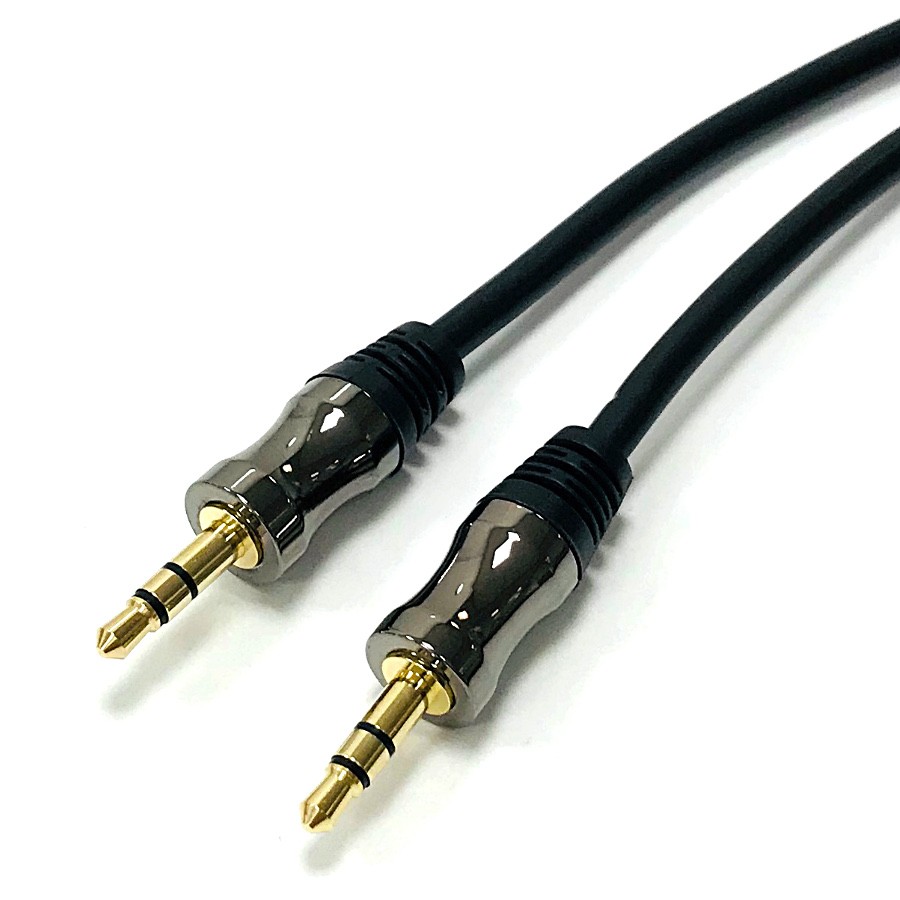
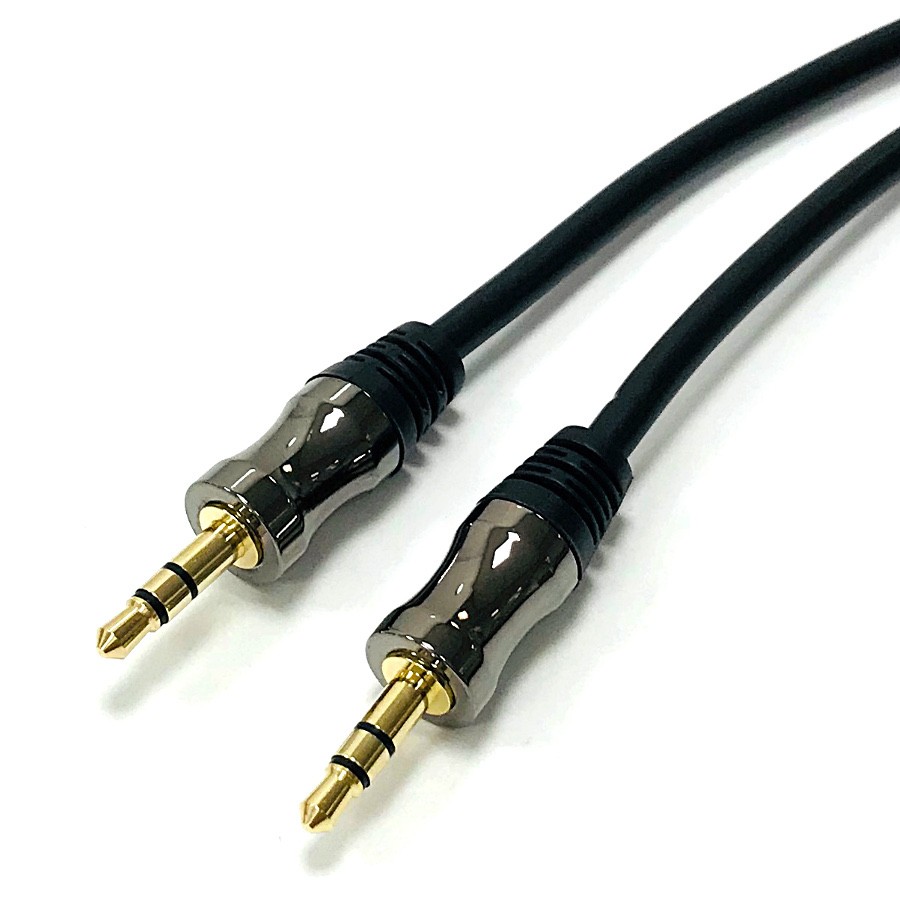
- 3.5mm jack, phono & XLR audio leads for stereo audio, professional sound equipment, microphones, amplifiers and speakers.
- Optical audio leads for digital audio systems, soundbars and home cinema equipment.
- USB leads & adaptors for peripherals, webcams, interactive displays and control systems.
- Composite/phono AV cables for older AV equipment and CCTV monitors.
- Satellite & RF leads for TV aerial, DAB/FM, satellite and coax installations.
- Projector AV lead kits bundle multiple cables required for meeting rooms or classrooms.
These leads ensure stable, clear connections between AV equipment in home, office, education and commercial environments.
When selecting an AV interconnect lead, consider:
Connector Type: Match the ports on your source (laptop, media player) and display (monitor, projector, TV).
Resolution & Bandwidth:
- Standard HDMI for HD/Full HD
- High speed HDMI for 4K/HDR
- DisplayPort for high refresh rates or multi-monitor setups
Cable Length:
- Shorter cables give better performance for high bandwidth signals.
- For long runs, consider active HDMI cables, extenders or HDBaseT.
Audio Requirements:
- Analogue audio, 3.5mm jack or phono
- Professional audio, XLR
- Digital audio optical
Durability: Choose reinforced or braided cables where frequent plugging/unplugging is expected.
Compatibility with legacy equipment: VGA, composite or serial leads may be required in commercial or industrial settings.
Selecting the correct lead ensures the required picture, sound and data quality.
They are used across a wide range of environments, such as:
- Home entertainment systems: HDMI, optical audio, phono and speaker connections.
- Meeting rooms & presentation spaces: HDMI, DisplayPort, VGA and USB leads for laptops, projectors and displays.
- Classrooms & training rooms: Mixed AV cables for interactive screens, document cameras and projectors.
- Professional audio environments: XLR, 1/4" jack and phono leads for mixers, microphones and amplifiers.
- Commercial and digital signage: HDMI, DisplayPort and long-run cables for mounted screens.
- Satellite, TV and RF installations: Coaxial and satellite connection leads for broadcast and TV infrastructure.
- Industrial & control systems: Serial (RS232) and USB leads for programming, testing and diagnostics.
These leads support reliable connectivity in almost every type of AV and IT environment.
To ensure optimal performance and long lasting reliability:
- Use high quality, shielded cables to reduce interference, especially for long analogue audio or VGA runs.
- Avoid excessive cable length, digital signals weaken over distance. Consider extenders when needed.
- Do not tightly bend HDMI, DisplayPort or optical cables as this may damage internal conductors.
- Keep power cables separate from AV leads to minimise noise and signal degradation.
- Use labelled and colour coded cables in racks or multi-cable installations to simplify maintenance.
- Test all leads before final installation, particularly in walls, ceilings or floor boxes.
- For audio leads, ensure correct channel matching (L/R) and secure connections to avoid hum or noise.
Following these guidelines improves signal stability and ensures clean, reliable AV performance.