AV Mounts & TV Brackets
FAQs
Netceed offers a wide range of mounting solutions for professional, commercial, and residential AV installations, including:
- Flat screen wall mounts (fixed, tilt & full motion) for TVs or signage displays where clean, secure wall mounting is needed. Tilt mounts help with viewing angles; full motion mounts allow swivelling and extension for flexible positioning.
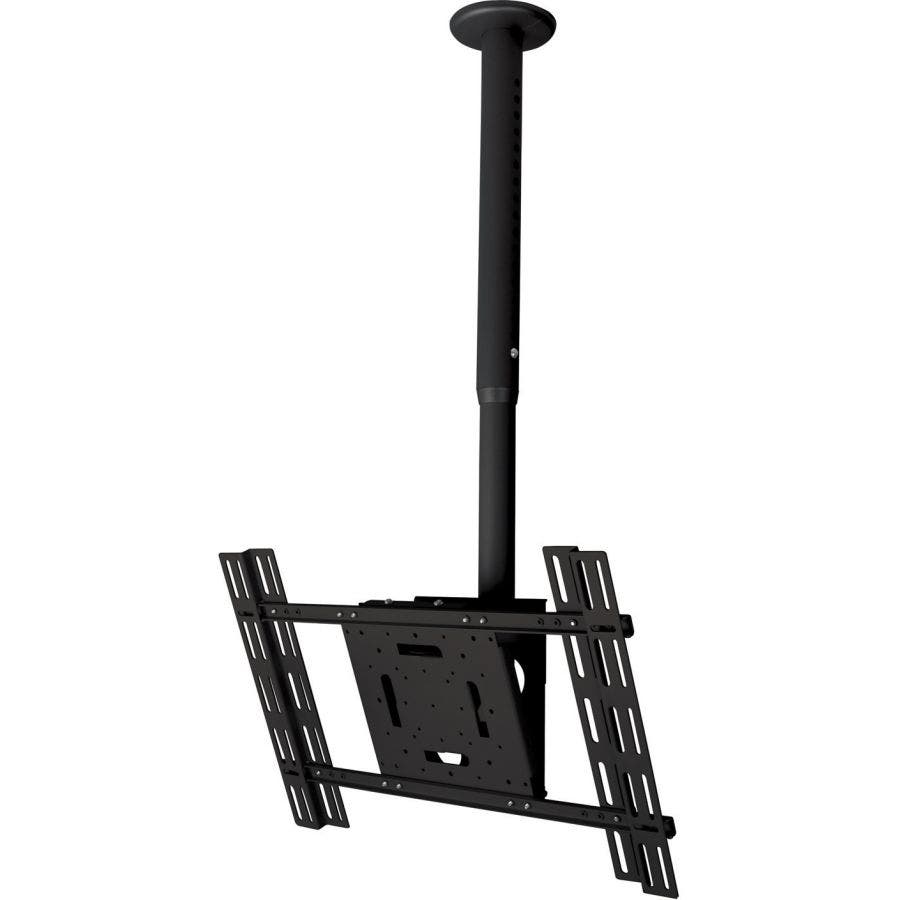
- Flat screen ceiling mounts are ideal for digital signage, retail spaces, reception areas, or rooms where wall mounting isn't possible.
- Flat screen display trollies are mobile mounting solutions for classrooms, training suites, offices, events and flexible presentation spaces.
- Projector mounts designed for ceiling or wall mounting projectors with adjustable angles.
- Speaker mounts provide secure mounting for wall or ceiling speakers in commercial audio and home cinema environments.
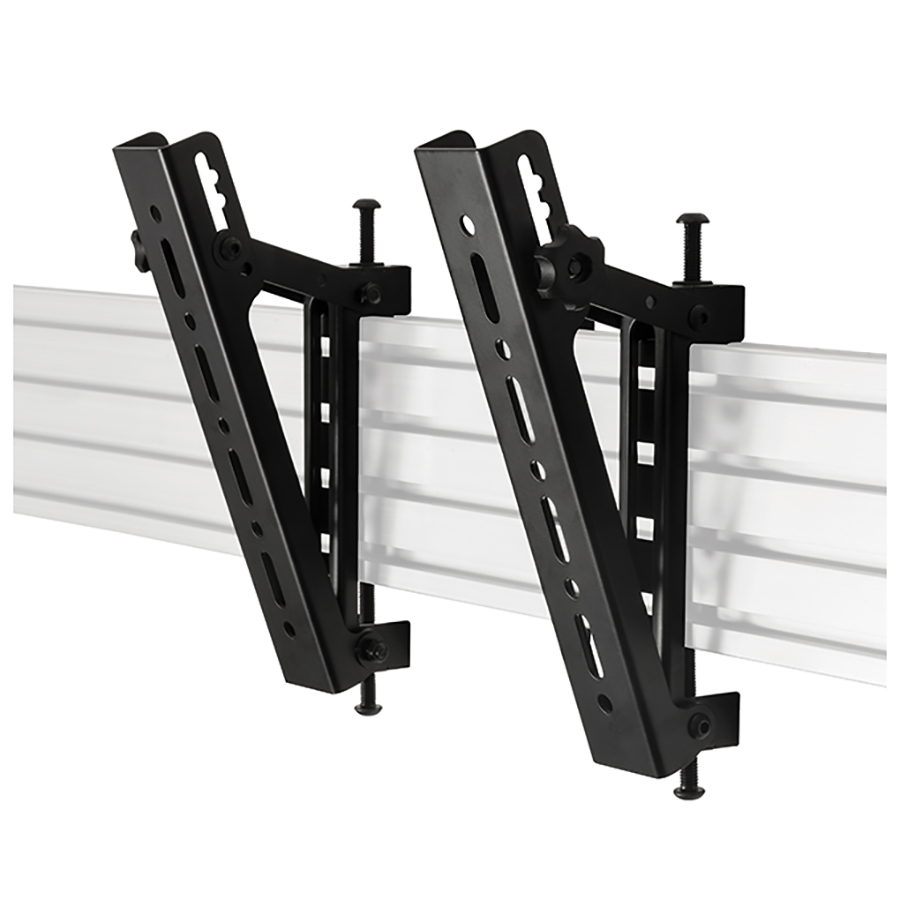
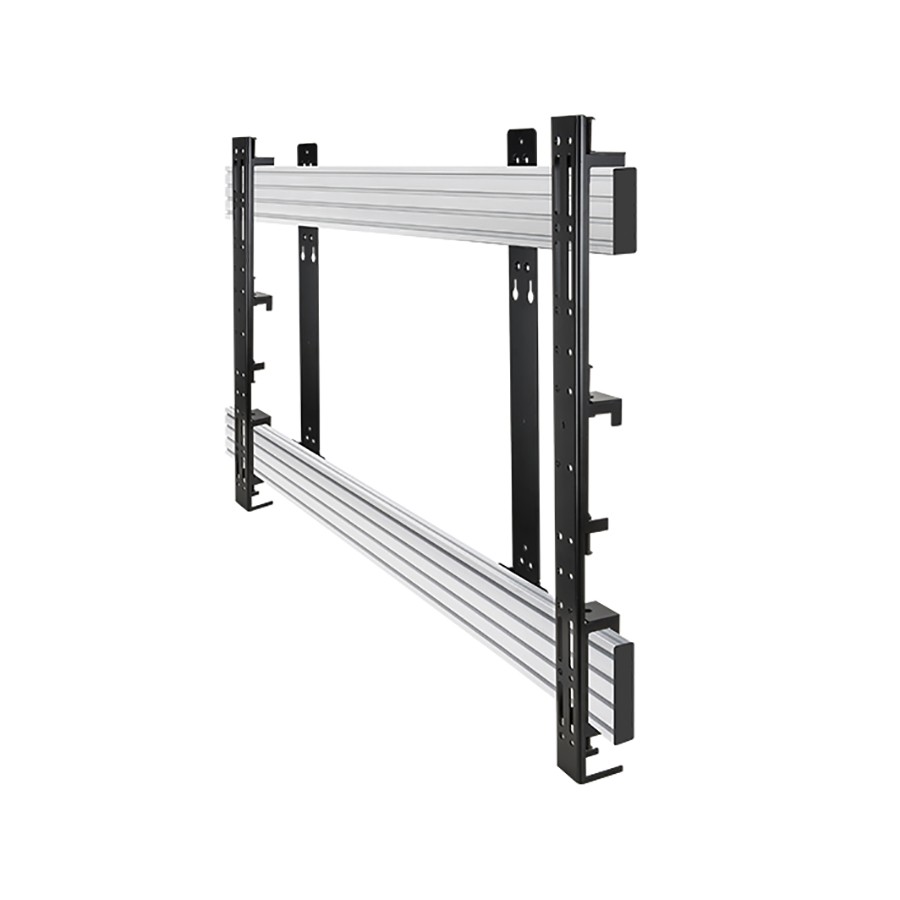
- Systems X mounting systems are modular rail-based systems for multi-screen video walls, digital signage arrays and custom mounting layouts.
These solutions help create safe, ergonomic and professional AV installations across a wide range of environments.
When selecting a mounting solution, consider:
Screen Size & Weight Rating: Ensure the bracket supports your display's dimensions and weight.
VESA Compatibility: Check that the mounting pattern (e.g., 100×100, 200×200, 400×400) matches your display’s rear mounting holes.
Desired Movement:
- Fixed: clean, flat profile
- Tilt: improved viewing from higher mounting positions
- Full Motion: great for corner installs, flexible viewing angles, or multi-position use
Mounting Location:
- Wall: ideal for meeting rooms, offices, homes
- Ceiling: useful for signage or rooms lacking suitable wall space
- Trolley: recommended for shared AV resources or mobile presentations
Projector Throw Distance & Angle: Choose adjustable mounts that allow fine positioning and alignment.
Speaker Direction: Use adjustable speaker mounts to optimise audio coverage.
Choosing based on screen size, installation environment and adjustability ensures a safe and effective AV setup.
These mounting solutions are used across many applications, such as:
- Corporate meeting rooms & boardrooms, TV wall mounts, display trollies and projector mounts for presentations.
- Education (classrooms, lecture theatres), projector brackets, trolleys and flat screen mounts for interactive lessons.
- Retail & hospitality, ceiling mounts and Systems X solutions for digital signage and multi-screen displays.
- Residential home AV setups , full motion TV mounts and speaker brackets for home cinema installations.
- Events & exhibition spaces, mobile stands and trolleys for temporary setups.
- Control rooms & monitoring suites, multi-display Systems X structures for video walls.
Wherever displays or speakers need secure, ergonomic placement, AV mounts provide a reliable solution.
To ensure safety, durability and optimum viewing performance:
- Check wall structure (stud, concrete, brick) and use the appropriate fixings for the material.
- Ensure VESA compatibility before installation.
- Use a spirit level to ensure accurate alignment.
- Allow clearance for cables, especially on full-motion mounts where movement may strain connections.
- Avoid mounting heavy displays on plasterboard alone, use studs or additional reinforcement.
- Use safety locks or security screws for commercial/public environments.
- Test the range of motion before final tightening on articulated mounts.
- For projector mounts, ensure correct alignment with screen size and throw distance.
Following best practices ensures a safe installation and maintains the longevity of both the mount and the connected AV equipment.